
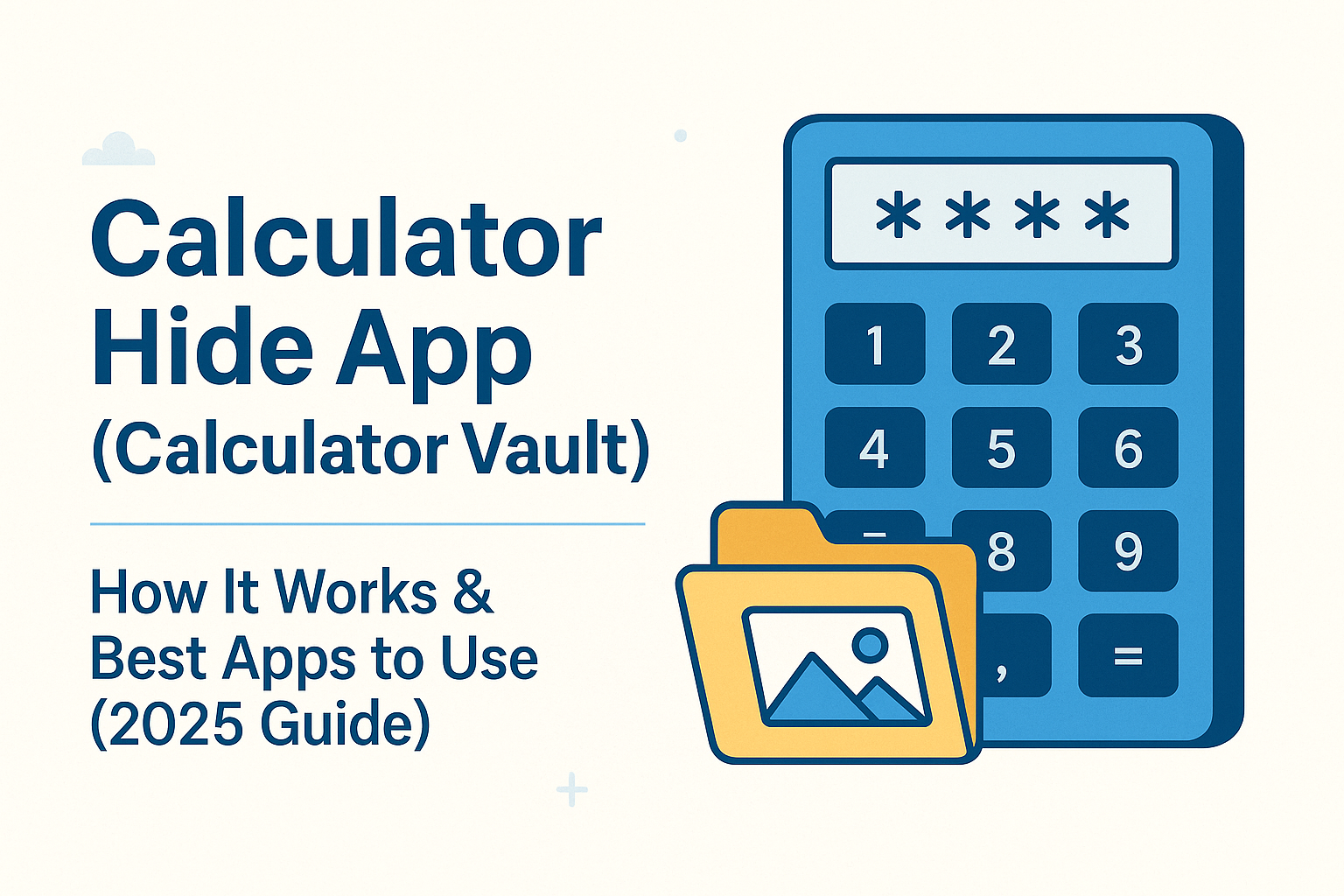
If you’ve ever wanted to hide photos, videos, chats, or private files on your phone, you may have already heard about Calculator Hide Apps—also called Calculator Vaults. These apps look exactly like a normal calculator on your home screen, but behind that simple interface is a secure vault protected with a PIN or password.
In this blog, we’ll understand what these apps are, how they work, whether they’re safe, and the best ones you can use in 2025.
🧮 What Is a Calculator Hide App?
A Calculator Hide App is basically a secret folder disguised as a calculator.
It looks like a normal calculator icon, and when someone taps it, it opens like a regular calculator.
But when you type your secret PIN, it unlocks a hidden space where you can store:
- Photos
- Videos
- Screenshots
- Notes
- Files
- Apps (on some devices)
- Private documents
These apps are popular because they offer privacy without drawing attention.
🔐 How Does a Calculator Vault Work?
Here’s the simplest explanation:
- You install the app—it appears as a calculator icon.
- You set a PIN or password.
- You move your private files into the vault.
- Anyone who opens it sees a normal calculator.
- Only your PIN opens the hidden content.
Some apps even offer fake vaults, break-in alerts, or backup to cloud storage.
📱 Calculator Hide App for Android (Best Options)
Android users get the most features because Android allows deeper file access.
Here are the top picks:
⭐ 1. Calculator – Photo Vault
Clean and easy to use. Opens the vault with a PIN. Good for beginners.
⭐ 2. Calculator Lock – Gallery Vault
Hides photos, videos, documents, and even apps.
Also has intruder selfie feature.
⭐ 3. HideX Calculator
One of the most popular vault apps with cloud backup and private browser.
⭐ 4. Calc Vault
Lightweight, fast, and no extra ads.
These apps usually appear as a normal calculator on your phone.
🍏 Calculator Hide App for iPhone (Limitations to Know)
On iPhone, calculator vault apps work differently because iOS has restrictions.
You cannot completely hide apps on iOS the way Android does.
But you can hide photos, files, and notes inside the vault.
Popular options for iPhone include:
- Secret Calculator
- Private Calculator Photo Vault
- Secret Album
They look and work like Android versions, but may not hide apps or offer deep system access.
📥 How to Install & Set Up a Calculator Hide App (Step-by-Step)
Follow these easy steps:
1️⃣ Download the app
Search for “Calculator Vault” or the app name on Play Store / App Store.
2️⃣ Open the calculator
It looks like a regular calculator screen.
3️⃣ Set your secret PIN
For example: type 2580 and press “=”.
4️⃣ Create your private vault
Add folders like Photos, Videos, Docs, Notes.
5️⃣ Move your files
Select photos or videos you want to hide and import them into the vault.
6️⃣ Delete originals (optional)
If you want total privacy, delete the original files from your gallery.
7️⃣ Lock the vault
Next time someone opens the calculator, it will behave normally.
Only when you enter your PIN will your private content unlock.
🔧 Features You Should Look For
When choosing the best Calculator Hide App, look for:
✔ PIN / Pattern / Fingerprint unlock
✔ Fake calculator interface
✔ Break-in selfies
✔ Secret browser
✔ Cloud backup
✔ Lock for individual folders
✔ Stealth mode (hides the app from home screen)
The more features, the stronger the privacy.
⚠️ Is a Calculator Hide App Safe?
Mostly yes.
But here are some important points:
- Always choose apps with high ratings and millions of downloads.
- Do not store extremely sensitive documents if you can avoid it.
- Some apps may show ads—pick ad-free versions if you want privacy.
- Don’t forget your PIN—there’s no recovery in many vault apps.
Use these apps smartly and legally. They’re meant for privacy, not hiding illegal activity.
⭐ Best Use Cases for Calculator Vault Apps
People use these apps for many genuine reasons:
- Hiding private family photos
- Protecting sensitive documents
- Storing work files safely
- Keeping personal notes secure
- Avoiding accidental deletion
- Protecting kids’ privacy
Vault apps are helpful when used for the right reasons.
🙋♂️ FAQs
1. Can someone find out I’m using a vault app?
Only if they know the app’s icon or check your installed apps list.
2. Can I hide apps inside the calculator?
Yes on Android (on some apps).
No on iPhone (due to restrictions).
3. Will files reappear if I uninstall the app?
Usually no. Always export your files before uninstalling.
4. Is there any risk?
Only if you forget your PIN or use an unknown, unsafe app.
🎤 Final Thoughts
A Calculator Hide App is a simple way to keep private photos, videos, and documents secure inside a hidden vault that looks like a basic calculator. For anyone who values digital privacy, these apps are an easy and effective solution.
Android users get more features, but iPhone users still get basic vault protection.
Just choose a trusted app and set it up correctly—and your personal files stay safe and hidden.
Also Read : QR Code Generator: Create, Customize & Download