
QR codes are everywhere — from restaurant menus to product packaging. They make sharing links, Wi-Fi passwords, and contact details fast and convenient.
QR Code Generator
Create free QR codes for links, text, or Wi-Fi. Customize colors and size, then download as PNG or SVG.
Your data is processed locally in your browser. Nothing is uploaded.
With Misccalc’s QR Code Generator, you can create free QR codes in seconds, customize them, and download them as PNG or SVG — no signup required.
What Is a QR Code?
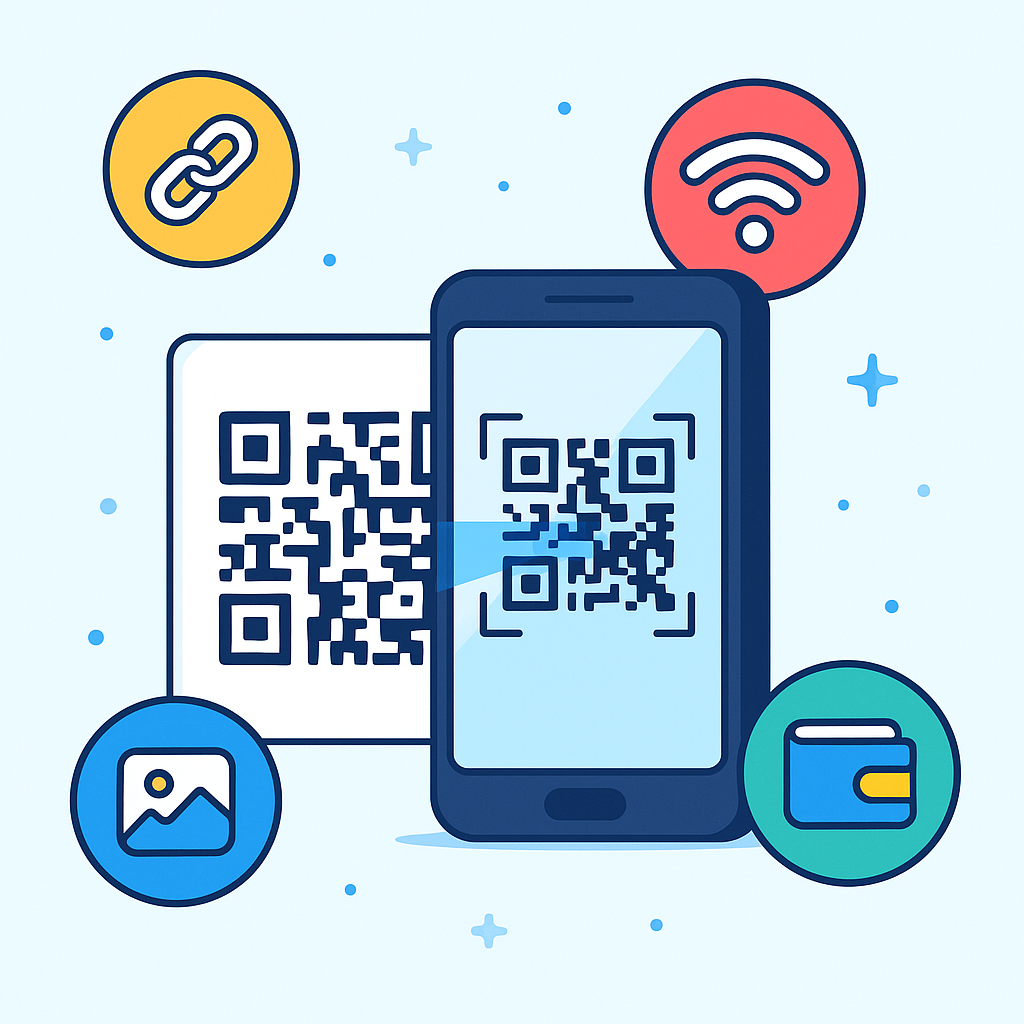
QR (Quick Response) codes are scannable 2D barcodes that store data like links, numbers, or Wi-Fi credentials. When you scan them with a smartphone camera, they instantly take you to the stored information.
Why Use an Online QR Code Generator?
- ✅ Instant creation — no need to install software
- ✅ Customizable — change size, margin, and colors
- ✅ Supports multiple formats — links, text, Wi-Fi
- ✅ Downloadable — PNG or SVG for use anywhere
How to Create a QR Code on Misccalc
- Open QR Code Generator.
- Enter your data (URL, text, or Wi-Fi details).
- Customize size, colors, and error correction level.
- Click Generate to preview your QR code.
- Download as PNG or SVG and use it instantly.
Practical Uses of QR Codes
- Share Website Links
- Perfect for posters, flyers, and business cards.
- Wi-Fi Access
- Guests can scan a code instead of typing their password.
- Payments & UPI
- Create QR codes for your payment link.
- Event Check-Ins & Coupons
- Speed up event registrations or distribute offers easily.
- Learning & Fun
- Teachers can share quiz links, games, or assignments via QR codes.
Related Utility Tools on Miscalc
- Random Number Generator — This is for giveaways or team selection.
- Color Converter — Match QR colors with your brand theme.
- Roman Numerals Converter — Quick number-to-roman conversions.
📌 Conclusion
QR codes make life easier — and Misccalc’s QR Code Generator makes them accessible to everyone. Generate, customize, and download QR codes for free, anytime you need them.